Online payments have become nearly ubiquitous across the globe — but actually integrating with the tech to process payments can be a headache. Razorpay, the largest online payment provider in India, has collaborated with a tech partner to launch an official Bubble plugin to make it easy and straightforward for Bubble users to integrate with their lineup of payment solutions.
Why should you use the Razorpay Bubble plugin?
For apps doing business in India, Razorpay’s Bubble plugin is a no-brainer. Instead of having to create custom code and configure various payment modes, installing the Razorpay plugin makes it easy to set up and manage online businesses with just a few clicks.
You can accept customer payments via debit, credit, unified payments interface (UPI), net banking, and popular mobile wallets. You can even automate bank transfers, collect recurring payments, share invoices with customers, and more — all from a single platform and without writing a single line of code.
How does the Razorpay Bubble plugin work?
Installing and configuring the Razorpay plugin takes just a few steps:
- First, download the Razorpay plugin.
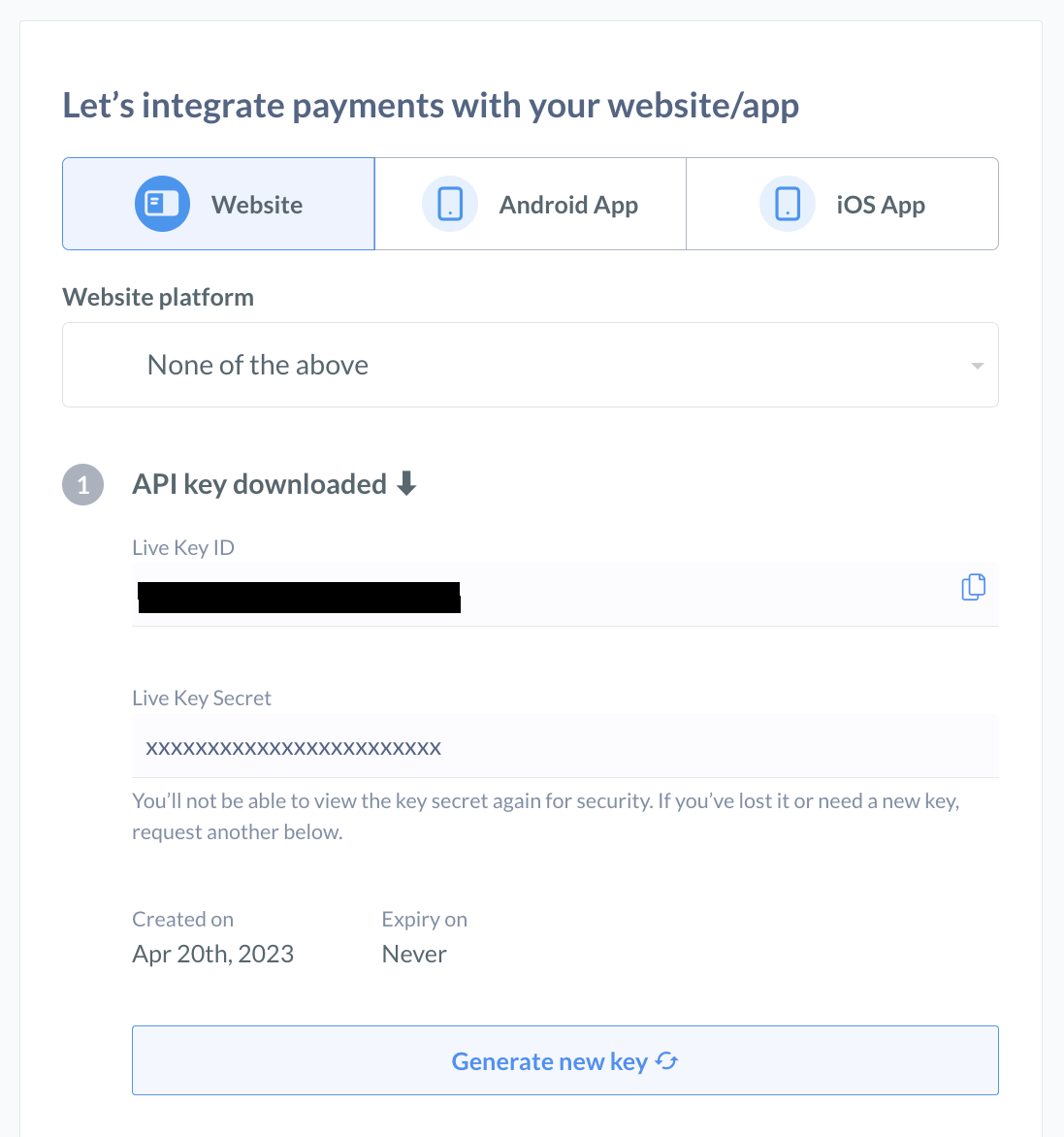
- Head to razorpay.com to get a client ID and secret keys for your seller account (located in the API Keys and Plugins section of your razorpay.com dashboard).
- Copy and paste your Key ID and Key Secret into the Bubble plugin page where it asks for a Username and Password, respectively.
You can explore the Razorpay plugin in the Bubble editor here.
Ways to use Razorpay in your Bubble app
In addition to enabling checkout quickly and easily, Razorpay touts an industry-leading success rate and easy-to-use seller dashboard.
Use the Razorpay plugin to implement the following features into your Bubble app:
- Checkout for a given amount (Create payment link)
- Verify payment link
- Create plan
- Get a list of all plans
- Fetch plan details via the plan ID
- Checkout plan (create subscription)
Ready to learn more? Download the plugin to start accepting payments now.
Build for as long as you want on the Free plan. Only upgrade when you're ready to launch.
Join Bubble