
If you're working on a software product, APIs are a powerful way to leverage the data or services of other software applications and communicate that information to your own application.
If you’re looking to learn what APIs are and how to use them, our crash course on how to use Bubble’s built-in API Connector will get you started. Bubble’s no-code web app builder comes with an open API Connector that allows you to integrate with almost any software, including Google Maps, Spotify, or your own custom application.
Watch the full video:
What is an API and how do I use APIs?
APIs (short for “application program interfaces”) allows one application to talk to another. One side (the client) requests information and then the other side (the server) responds. When building an application, APIs can let your app interact dynamically with data from leading social media tools, spreadsheets and docs, CRMs, databases and more.
By the end of Bubble’s crash course, you’ll build a fully functional app that pulls all of its data from external APIs using no-code, so you know how to apply this to other popular API endpoints.
The video walks you step-by-step through how APIs work, and how to use Bubble’s API Connector, how to make common types of requests (GET, POST, PUT, PATCH, DELETE), and how authentication works.
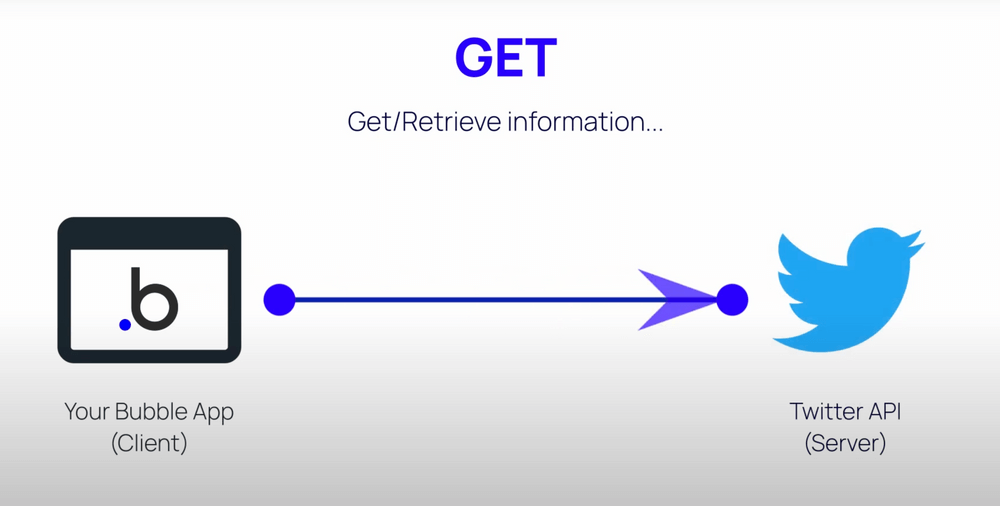
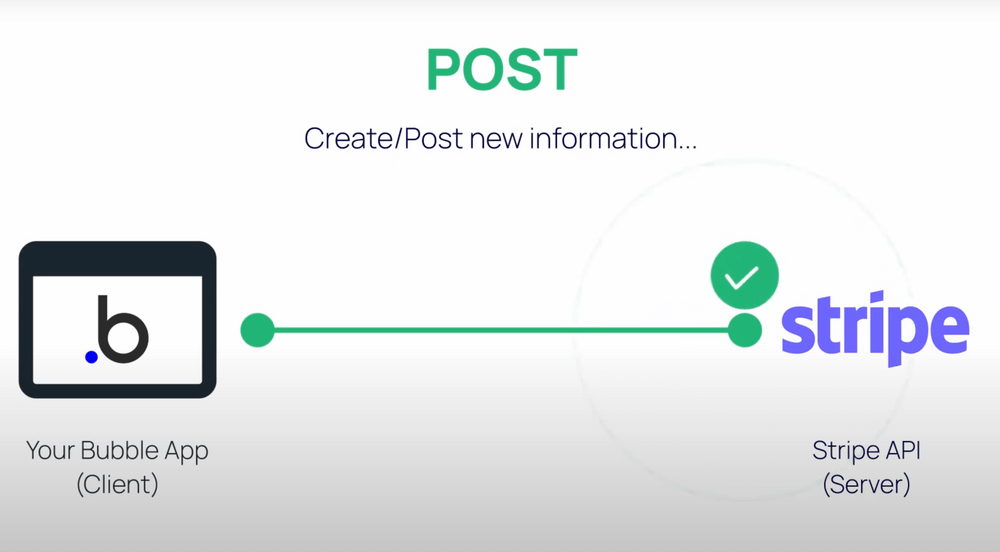
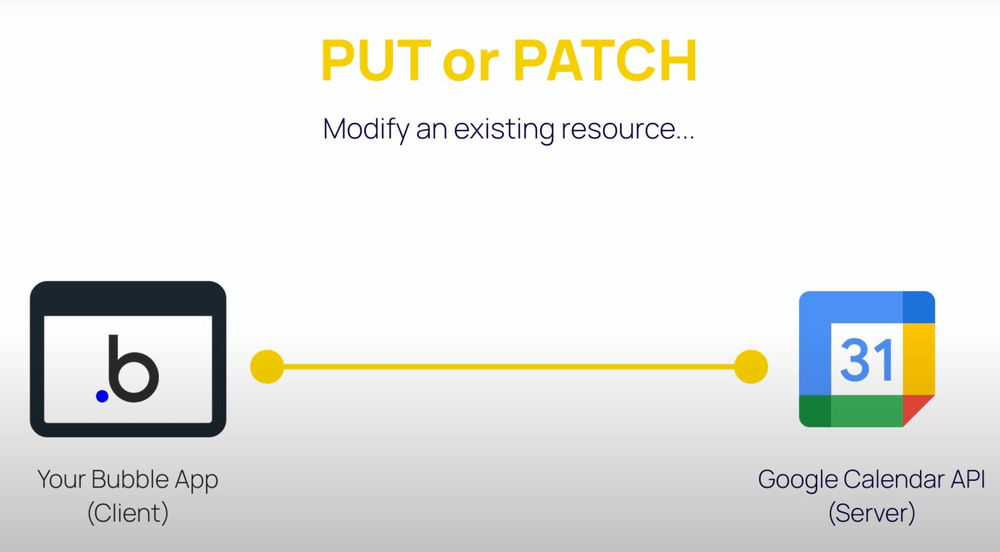
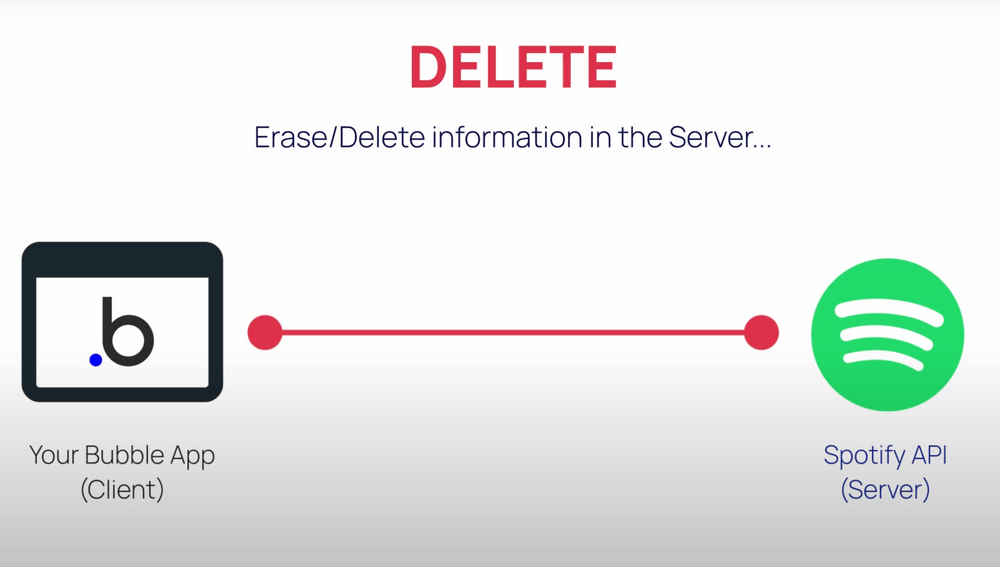
Bubble's video tutorial explains what are common HTTP requests with popular API examples (Twitter API, Stripe API, Google API, and Spotify API)
How does Bubble’s API Connector work?
When using Bubble’s API Connector in your own custom Bubble app, you can connect with any API by making a request (as the client) and customizing the kind of response you receive from the external app (the server). These responses, depending on what the API allows, can then be used while building your webpage in Bubble, within elements or as actions in your Bubble app's workflows.
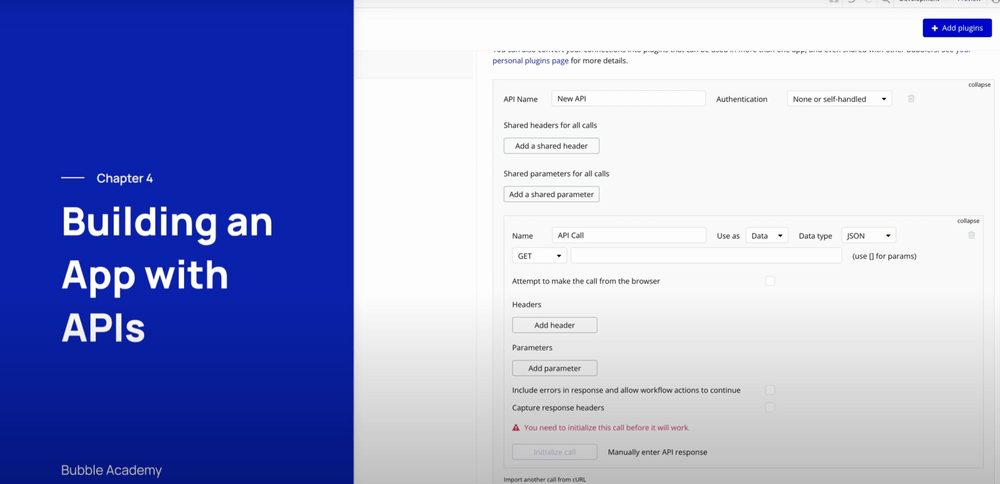
In our full free video crash course, you can follow along and build a fun example Bubble app from scratch that will use the API Connector to connect to an external movie database application.
Build for as long as you want on the Free plan. Only upgrade when you're ready to launch.
Join Bubble