Getting Started in Bubble: Building Your First App

New to building with Bubble’s no-code platform? Check out the second part of our new video onboarding series and finish with a functioning project management app.

Jeremy Alexander
December 16, 2022 • A quick read
Getting Started in Bubble: Building Your First App

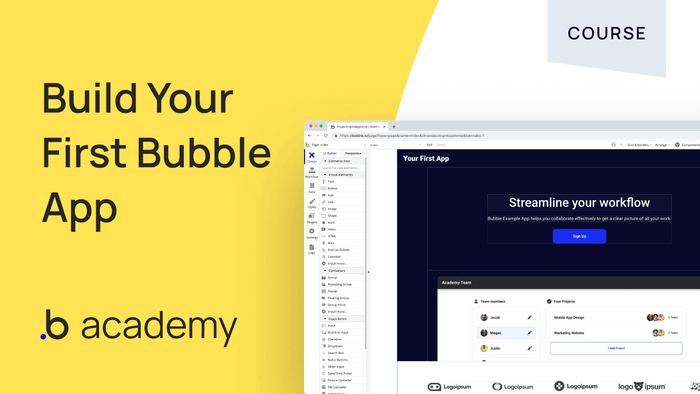
New to Bubble? No worries—our updated onboarding course walks you through the key concepts you need to get started before you build your first app.

If you’d like to learn about the nuts and bolts of Bubble before jumping into a build, check out part 1, Getting Started: Key Concepts in the Editor.

This course will walk you through all the steps needed to create a project management app where teams can collaborate. Don’t forget to install the template so you can build along. By the end of the course, you’ll actually have your own project management app to show for it!

Watch the full video here, broken down into chapters:

In this video, you’ll learn to:

Build a Landing Page

  • Build your page with components
  • Customize your design

Build a Signup Flow

  • Build your signup form
  • Build your header
  • Set up autobinding

Create Login and Password Reset Forms

  • Set up the login page and workflows
  • Set up the reset password workflow with custom states

Build a Dashboard

  • Displaying projects and users
  • Adding and editing users

Build a Project Page

  • Create, show, and edit tasks
  • Set up Repeating Groups
  • Edit projects
  • Set up your calendar

Build a Profile Page

  • Set up Repeating Groups

Testing Your App

  • Setting up blank states
  • Testing your signup flow and blank states
  • Testing users, projects, and tasks
  • Testing the 404 page

Deploying Your App

  • How to handle your first deploy
  • So I've deployed. What's next?

By the end of this course, you’ll know how to design a project management app, create workflows to make it function, and test your app out. You’ll also have built your first Bubble app!

Start building for free

Build for as long as you want on the Free plan. Only upgrade when you're ready to launch.

Join Bubble

LATEST STORIES

blog-thumbnail

Bubble vs. Replit Comparison: Which AI App Builder Is Right for You?

Bubble provides all-in-one AI app generation alongside a visual editor that gives anyone full control and customizability of their app. Replit provides an IDE alongside AI support for code generation, iteration, and debugging. Which is right for you? We analyzed 11 key factors to help you decide.

Bubble
July 02, 2026 • 28 minute read
blog-thumbnail

The 7 Best AI Platforms for Subscription Products in 2026

Find the right AI platform for your subscription product, from AI SaaS to course memberships.

Bubble
July 02, 2026 • 16 minute read
blog-thumbnail

How to Launch a Subscription Product: 2026 Step-by-Step Guide

A practical plan to pick your model, validate pricing, build your billing, and go live with the right metrics.

Bubble
July 02, 2026 • 14 minute read
blog-thumbnail

How to Build an Android App in 2026: A Complete Guide

Learn to plan, build, test, and publish your first Android app using Bubble's fully visual AI app builder — or traditional Kotlin if you want to learn programming. No coding experience required for Bubble.

Bubble
July 02, 2026 • 18 minute read

What Can You Build on Bubble? 25 Examples to Inspire You

May 27, 2026 • 18 minute read

See How We Redesigned the Property Editor for Better Building

December 11, 2025 • 4 minute read

The Easiest Way to Build a Custom CRM (With AI, Updated for 2025)

October 10, 2025 • 17 minute read

The Future of Bubble’s Editor: Introducing the New Workflow Tab

October 11, 2024 • 3 minute read

Build the next big thing with Bubble

Start building for free