Convert full Bubble pages or specific elements into multi-page PDFs with headers, footers, page numbers, custom sizes, preserved styles, high-quality images, dynamic names, and workflow triggers.


 ⚡ Main Functions:
•
Convert Pages or Elements. Convert full pages or specific elements to PDF.
•
Orientation & Page Size. Allows customization of orientation (portrait or landscape) and page size.
•
Multi-Page Output. Generate multi-page PDFs with auto content fitting.
•
Headers & Footers. Offers the option to include headers and footers in the PDF output.
•
Page Numbers. Provides functionality to add page numbers to the resulting PDF file.
•
Dynamic Properties. Enables setting dynamic values for PDF file names and other properties.
•
Workflow Triggers. Allows triggering the PDF generation through workflows.
⚡ Key Features:🎨 Style Preservation Keeps page layout and styles consistent in the PDF.
🔤 Fonts & Visuals Support Supports a wide range of fonts and visual elements in the PDF document.
🖼️ Image Quality Preserves image quality and positioning in export.
📦 Large File Handling Handles PDFs over 100MB.
 Step-by-Step video tutorialDocumentation
We’ve created a detailed step-by-step guide for the Bubble Page to PDF converter plugin. It includes a comprehensive overview of all features, practical use cases, and answers to frequently asked questions.
Real use case in the template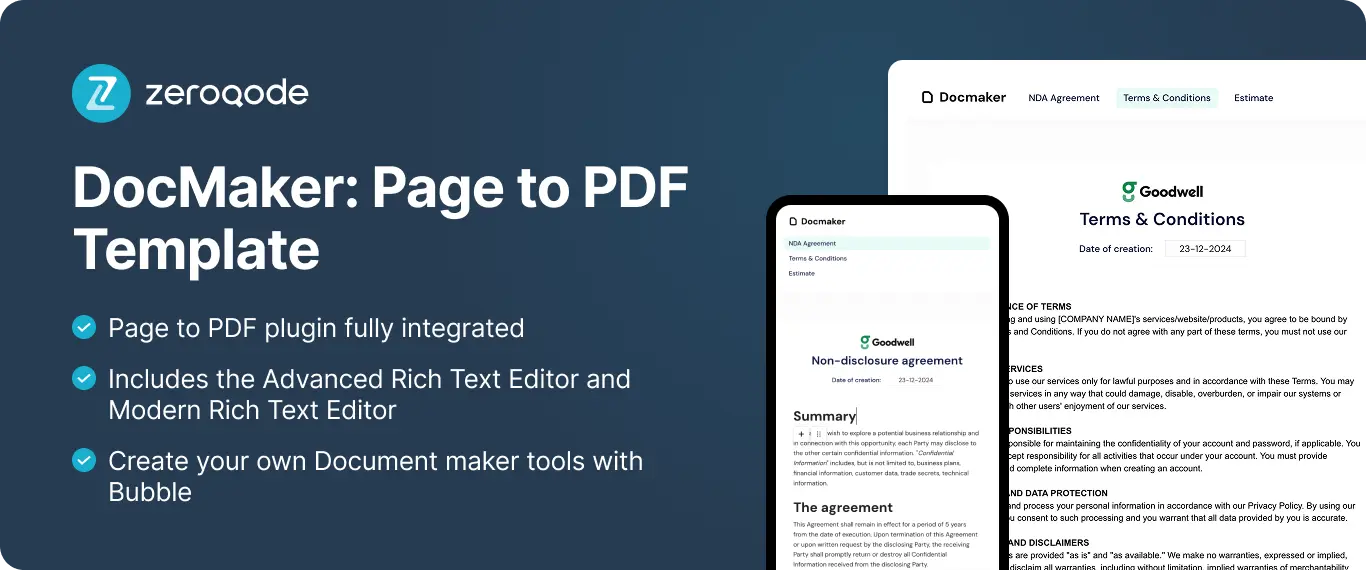 FAQ
FAQ-
What is the main function of the Bubble Page to PDF Converter Plugin? The main function is to convert Bubble pages or specific elements into a PDF document that can be downloaded or viewed.
-
Can the plugin handle content like images and custom fonts in the PDF conversion? Yes, the plugin can include images and custom fonts in the converted PDF file.
-
Are there options to customize the layout and format of the generated PDF? Yes, users can customize the PDF's layout by setting page size, margins, and orientation.
-
Does the plugin support dynamic data when generating PDFs? Yes, it supports dynamic data, automatically capturing current data from the Bubble application.
-
Is it possible to schedule automatic PDF generation with this plugin? No, the plugin does not support scheduling automatic PDF generation. It requires a manual trigger.

 Other plugins from Zeroqode
-
Print Pro-
Print-
Group to PDF and Image-
Air PDF Generator Lite-
PDF Conjurer-
PDF Conjurer Pro-
Generate Invoice as PDF Support
If you still have questions or unresolved issues, you can
contact us.
Risk-free TrialThe most risk-free way to try out this plugin is to subscribe to it. If you unsubscribe a few days later you will be charged on pro-rata basis, so for example if the plugin monthly price is $5 then you’d pay only 17¢ per day ($5/30 days)!
 Built on Bubble
