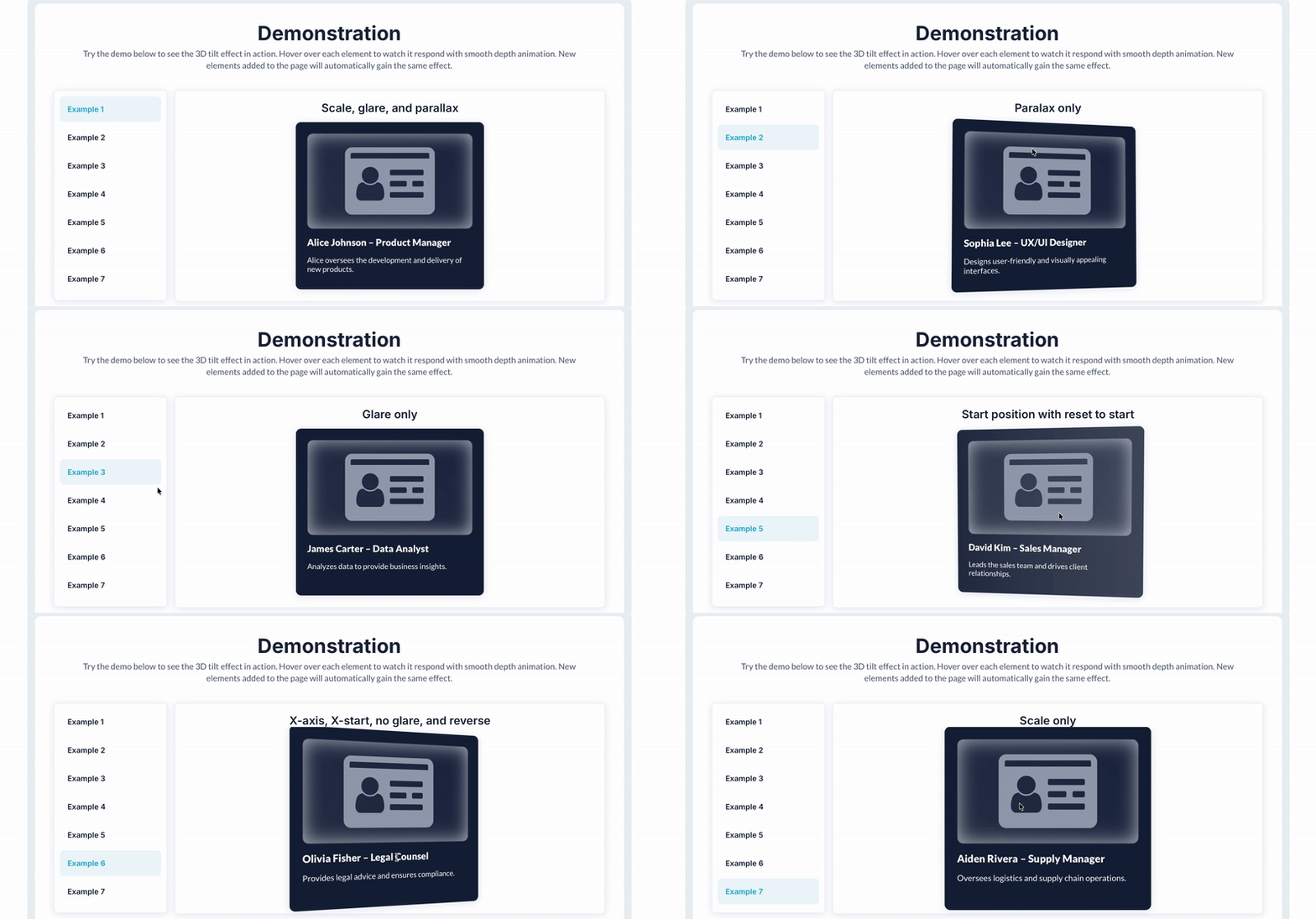
Apply a 3D tilt effect to elements on hover or device movement, with control over perspective, depth, glare, animation speed, and interaction area for smooth, immersive visual motion.



 ⚡ Main Functions
•
Page-Wide Tilt Mode Extend tilt interactions across the entire page.
•
Mobile Gyroscope Control Enable tilt response to device orientation on mobile.
⚡ Key Features⏱️ Transition Timing & Speed Set animation timing and transition speed.
📐 Perspective & Tilt Depth Control tilt angle and depth with perspective settings.
✨ Glare Effect Add reflective glare for a dynamic look.
 Documentation
We’ve created a detailed step-by-step guide for the Hover Tilt Effect for Cards plugin. It includes a comprehensive overview of all features, practical use cases, and answers to frequently asked questions.
FAQ-
How do I enable the tilt effect on specific elements?Assign an ID to your desired element and input that ID into the "Element IDs" field within the plugin settings.
-
What does the glare effect do?The glare effect adds a reflective shine that moves with the tilt, enhancing the 3D look of the element. Enable it in the settings and adjust "Max glare" for intensity.
-
Can I control the tilt effect with a mobile device's gyroscope?Yes, enable the gyroscope option, and the effect will respond to device orientation on supported devices.
-
What is the purpose of the Perspective setting?Perspective controls the depth of the tilt. A higher value increases the perceived depth, making the tilt effect more pronounced.
-
How do I reset the tilt effect when the cursor leaves the element?Enable the "Reset" and "Reset to start" options to return the element to its original state when the hover ends.
 Our Similar Plugins
-
Click and Hover Effects-
Tilt Elements on Mouse Movement-
Live Image - Move effect-
3D Tilt Effect for Elements-
Magnifying Glass For Images-
Image Zoom on Hover Pro-
Zoom on Hover-
Image Zoom on Hover++-
Simple Button Effects on Hover-
Shake on Hover Animation Support
If you still have questions or an unresolved issues, you can
contact us.
Risk-free TrialThe most risk-free way to try out this plugin is to subscribe to it. If you unsubscribe a few days later you will be charged on pro-rata basis, so for example if the plugin monthly price is $5 then you’d pay only 17¢ per day ($5/30 days)!
 Built on Bubble
